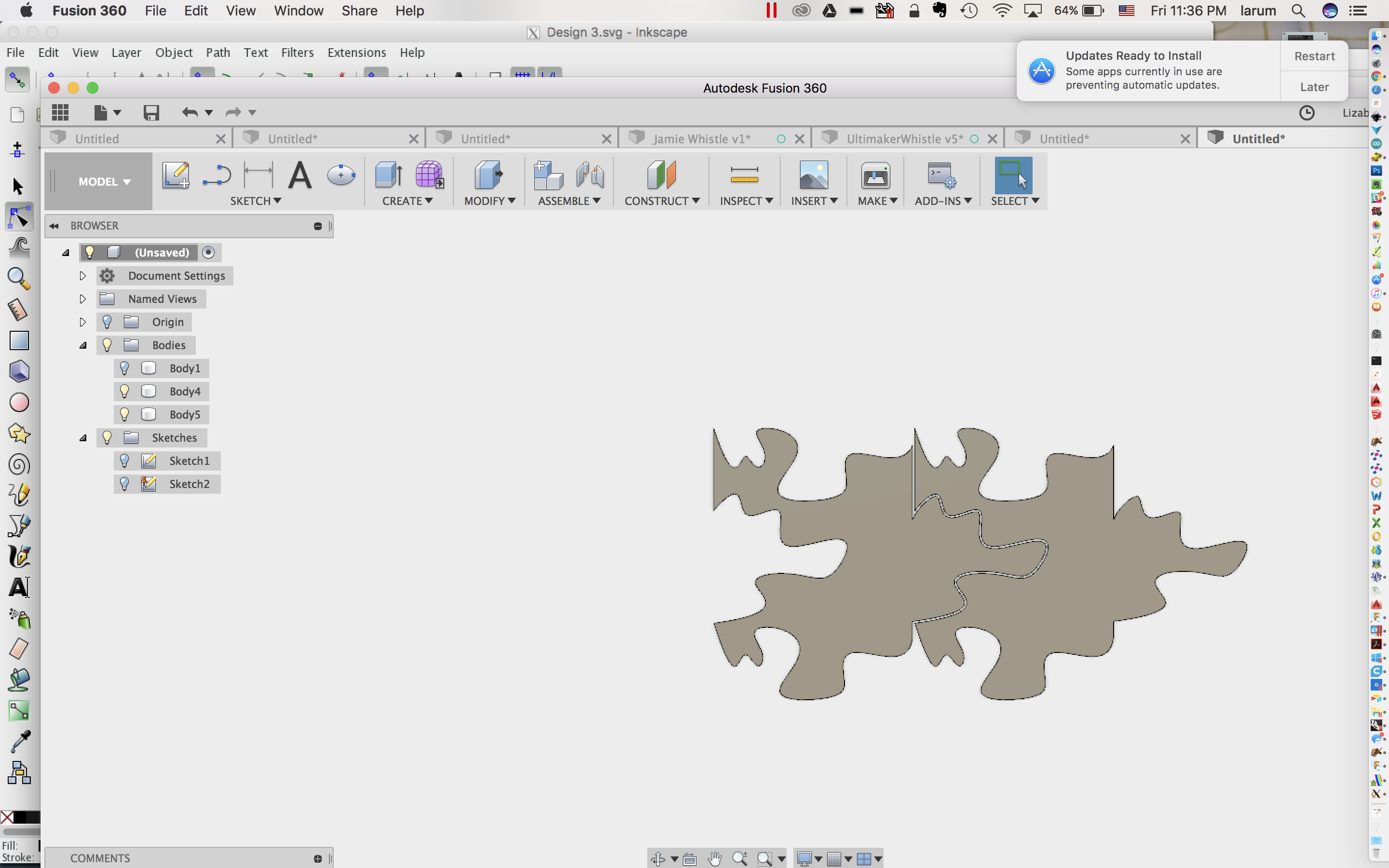
Tessellations
Fusion 360
- Create a New Sketch:

- Select the ground plane:
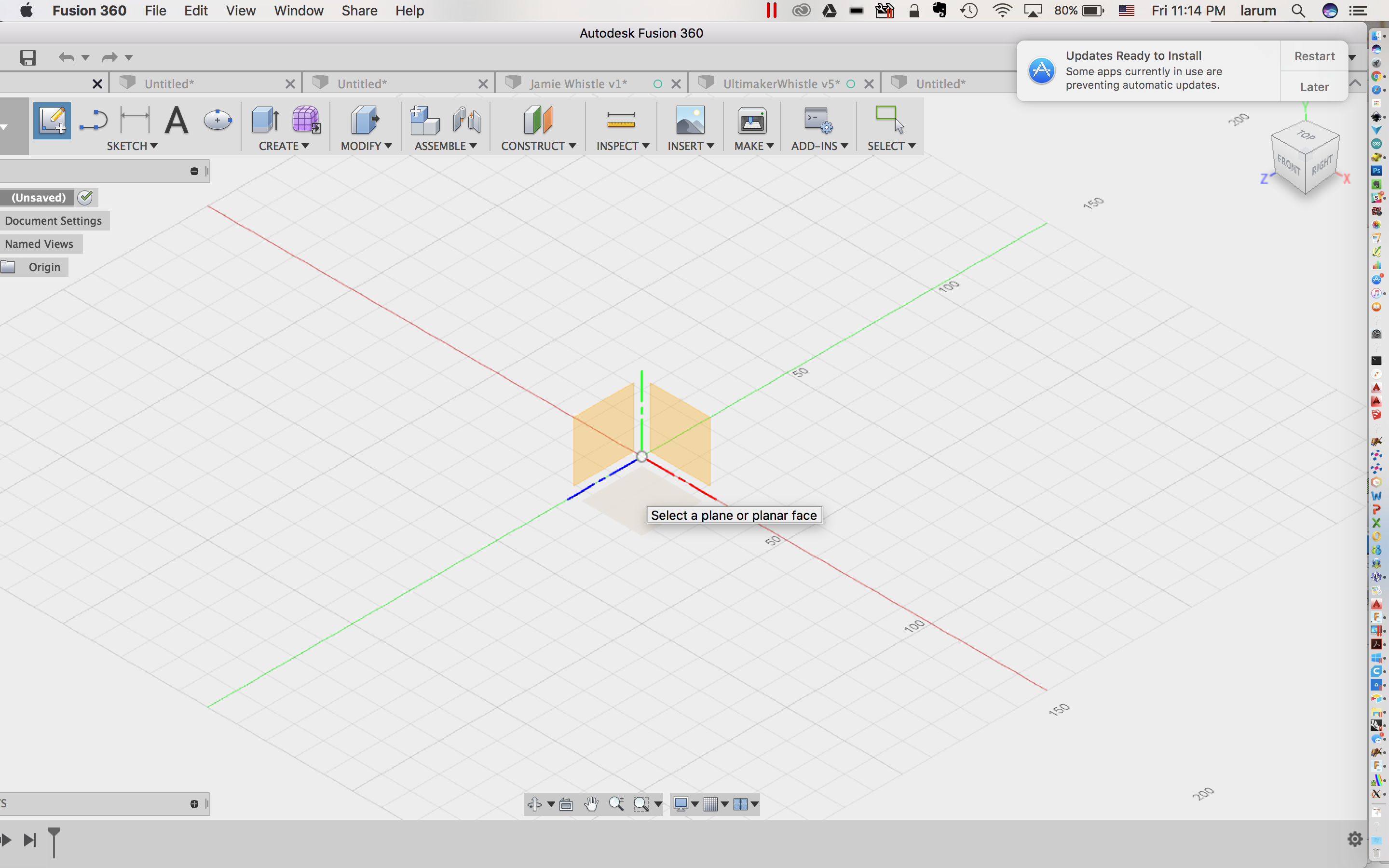
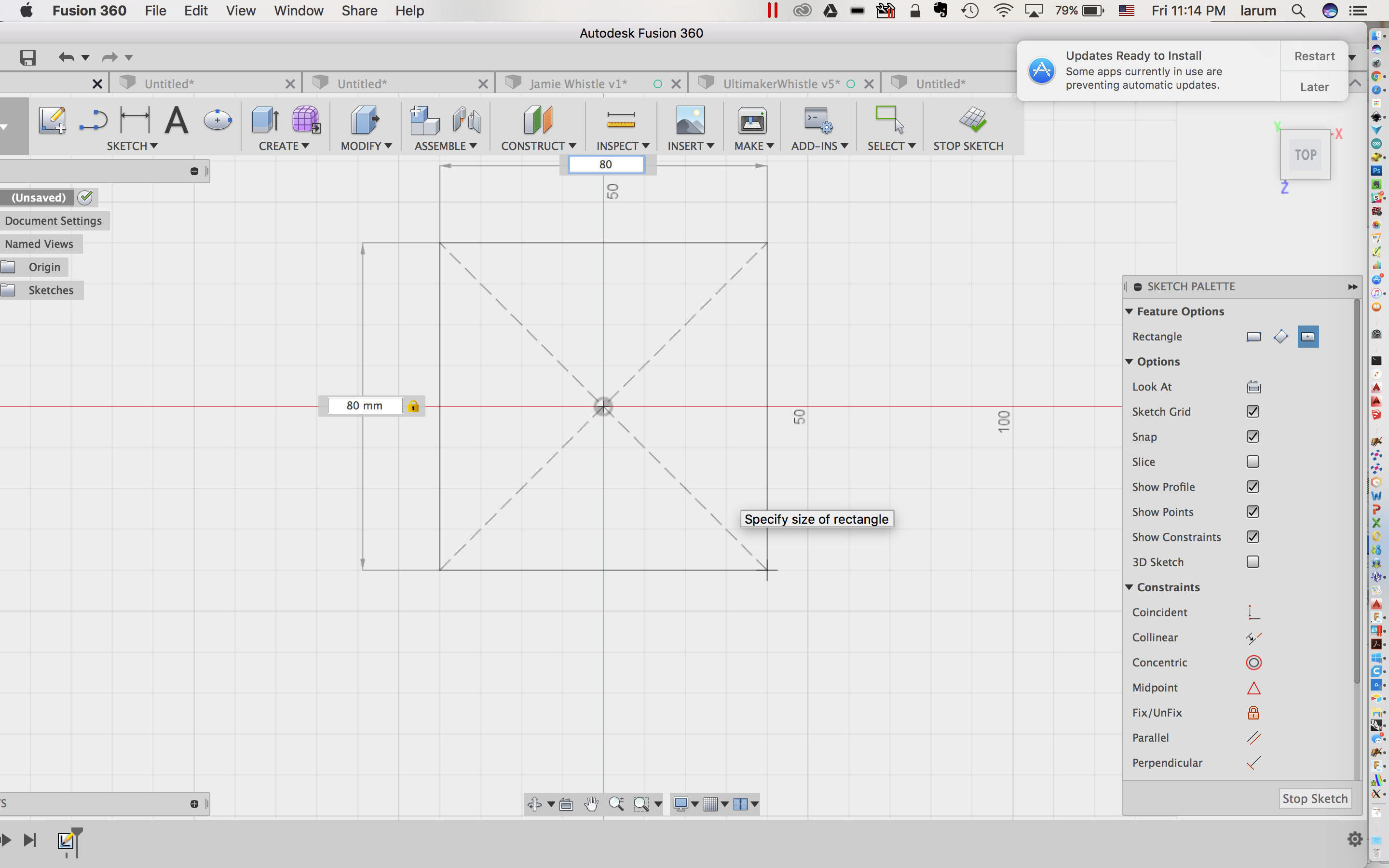
- Make a centered rectangle 80 x 80:
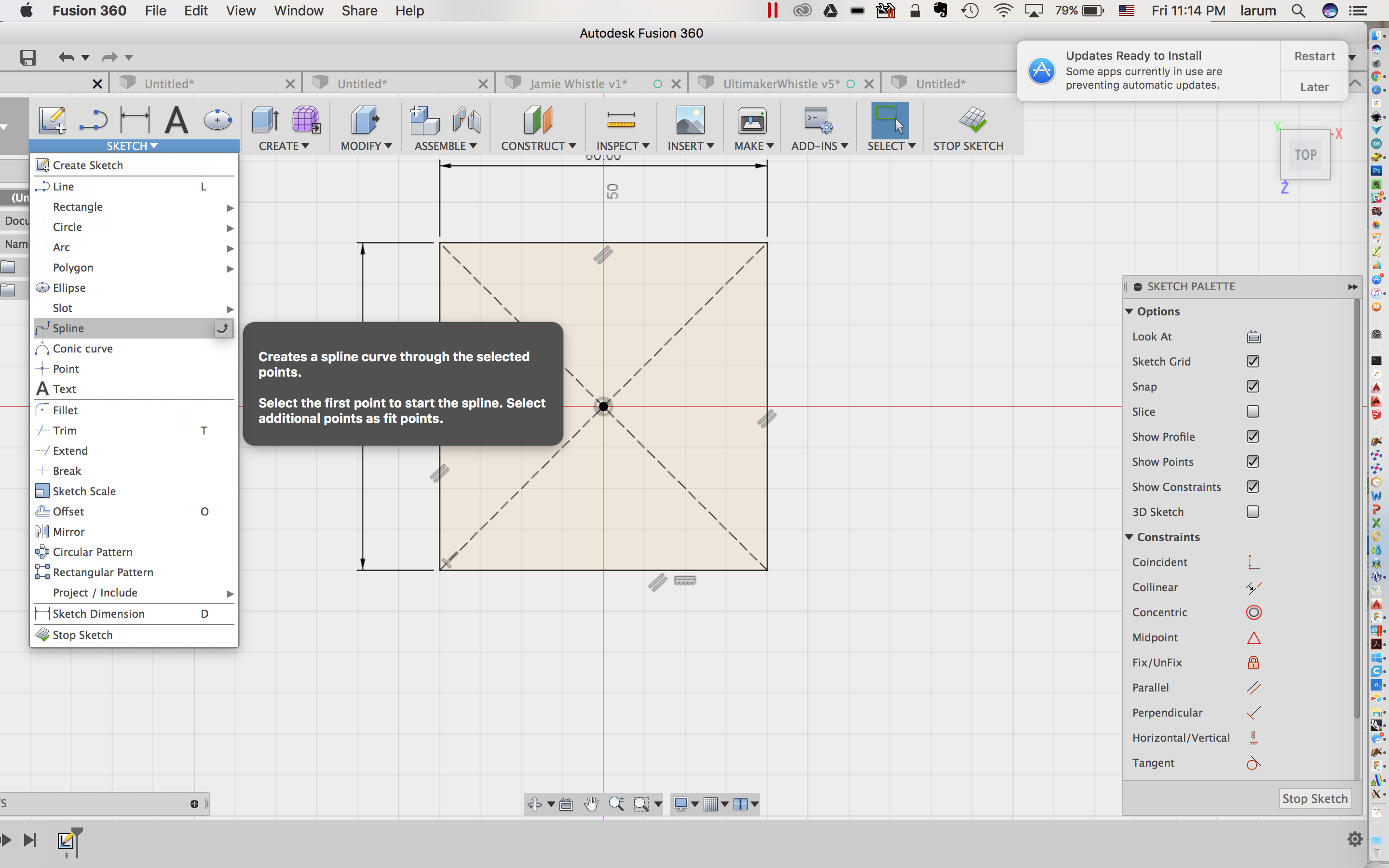
- Select the spline tool:
- Make a nibble at the top:
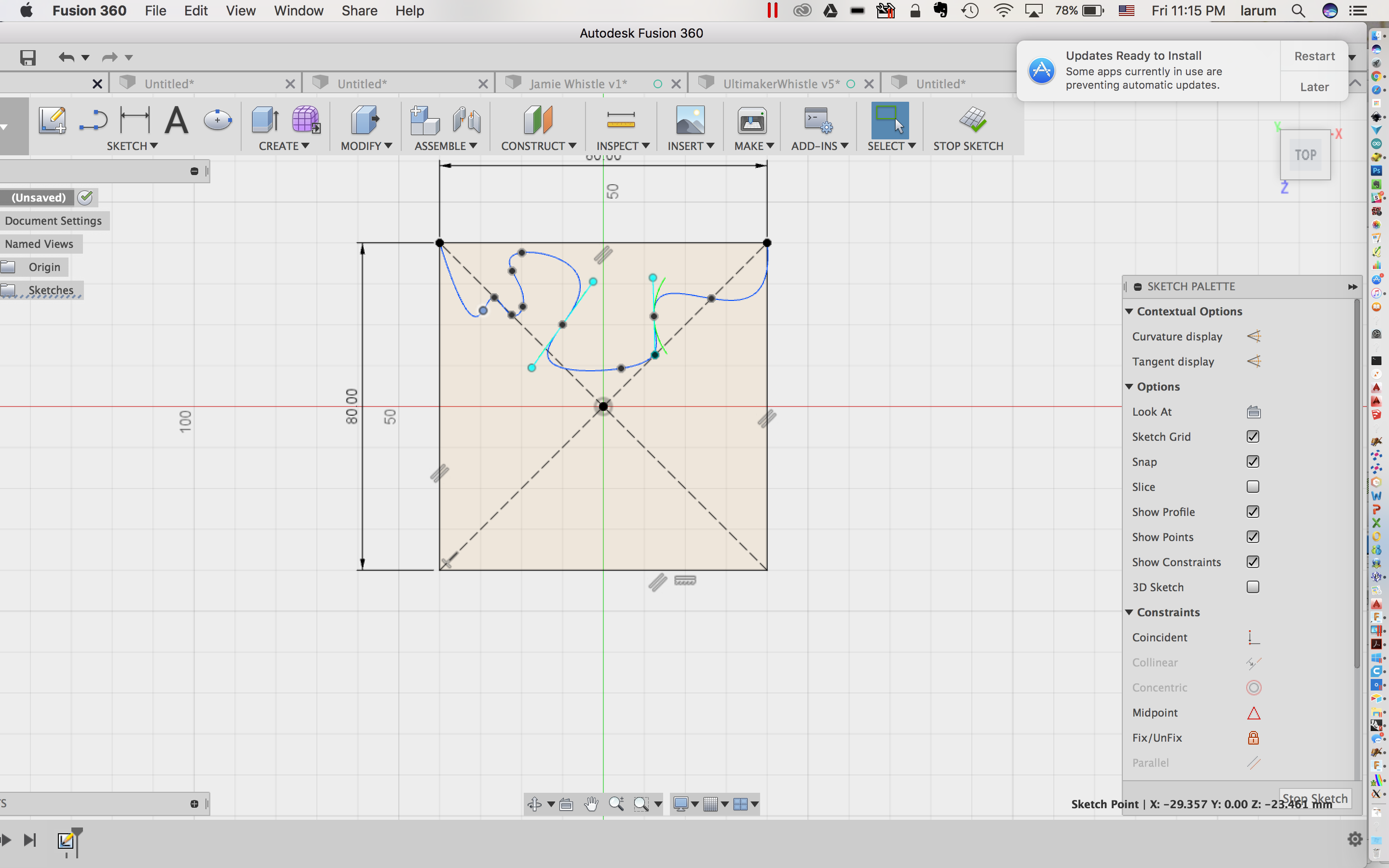
- Make a nibble on the left side:
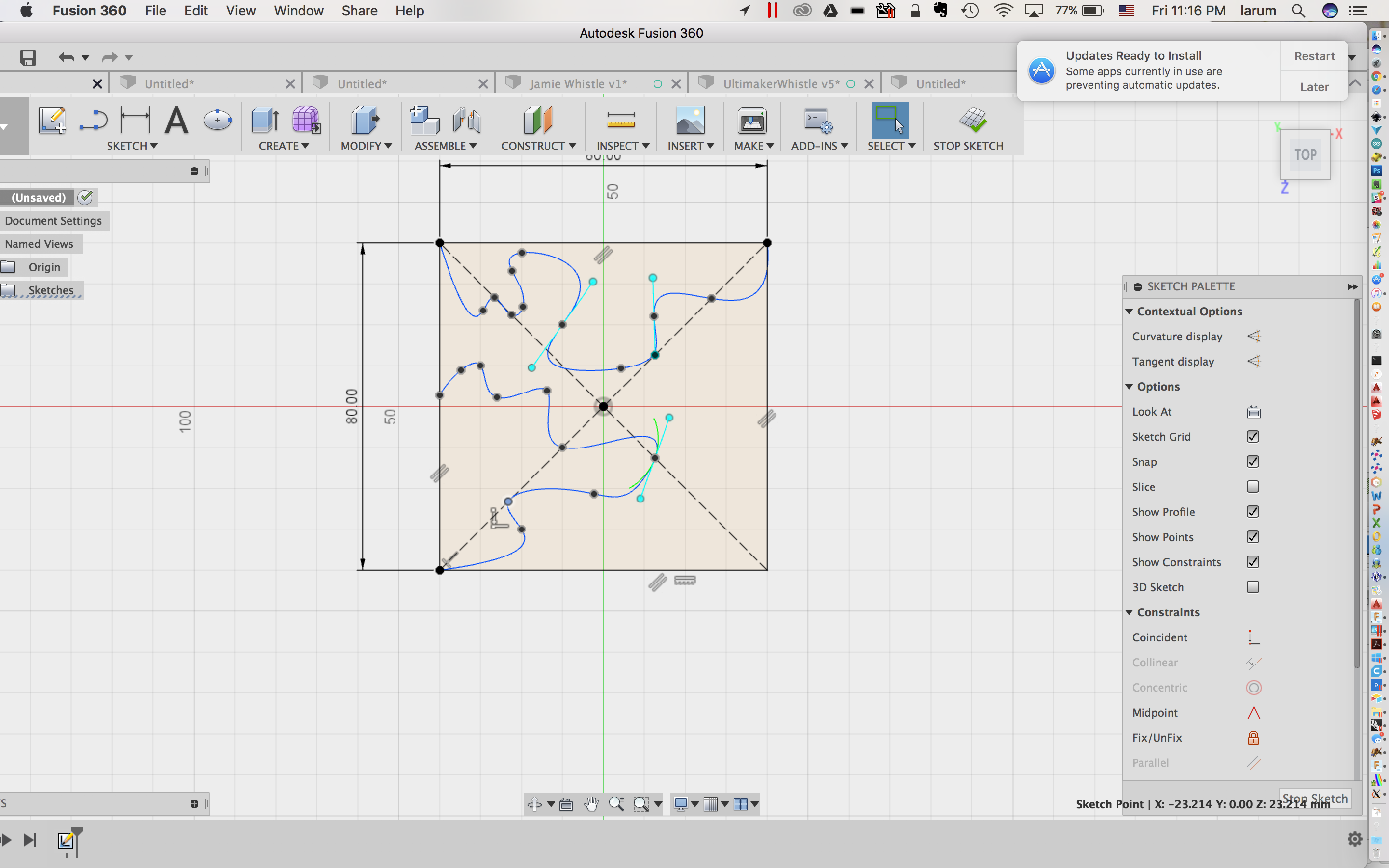
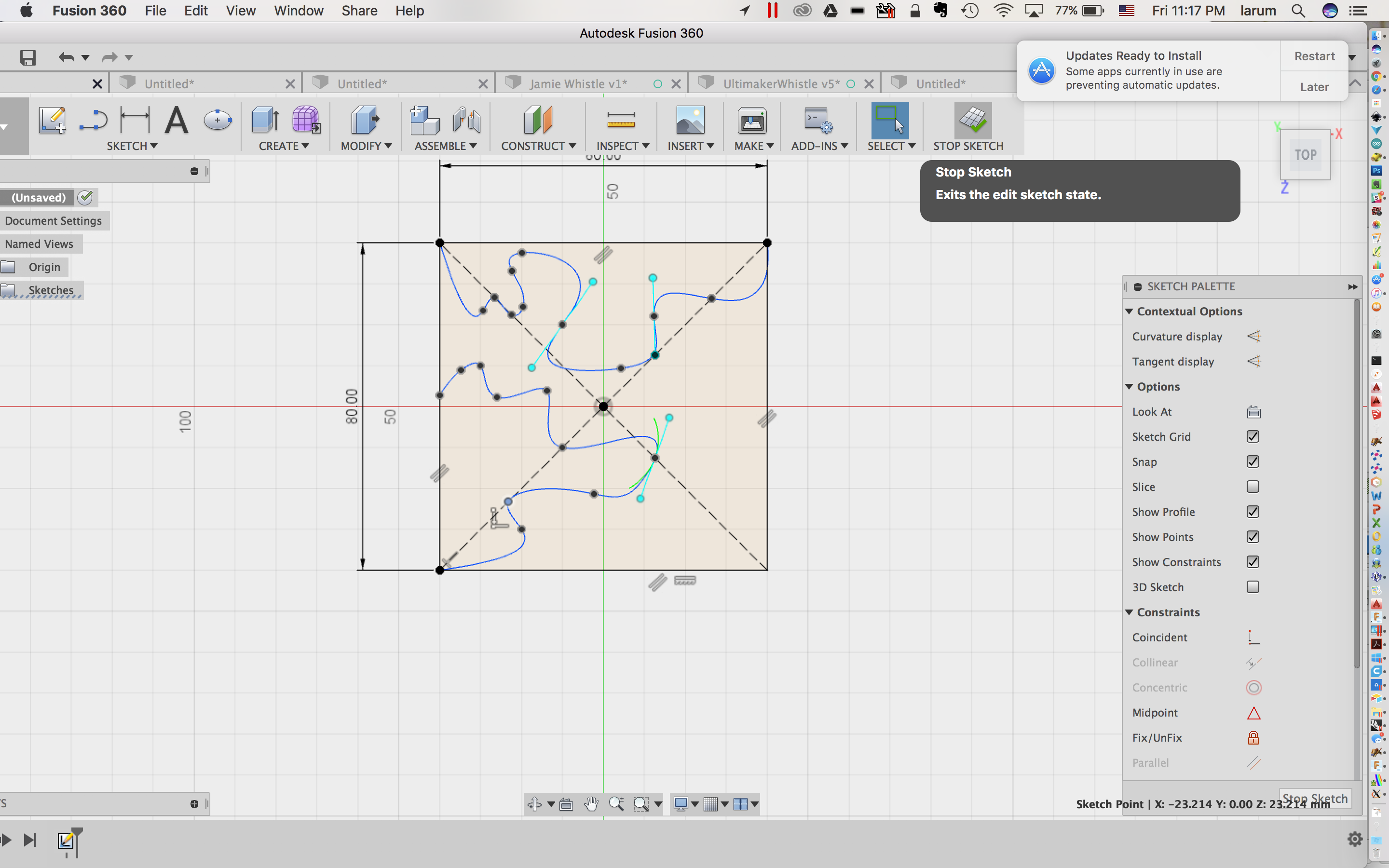
- Stop the sketch:
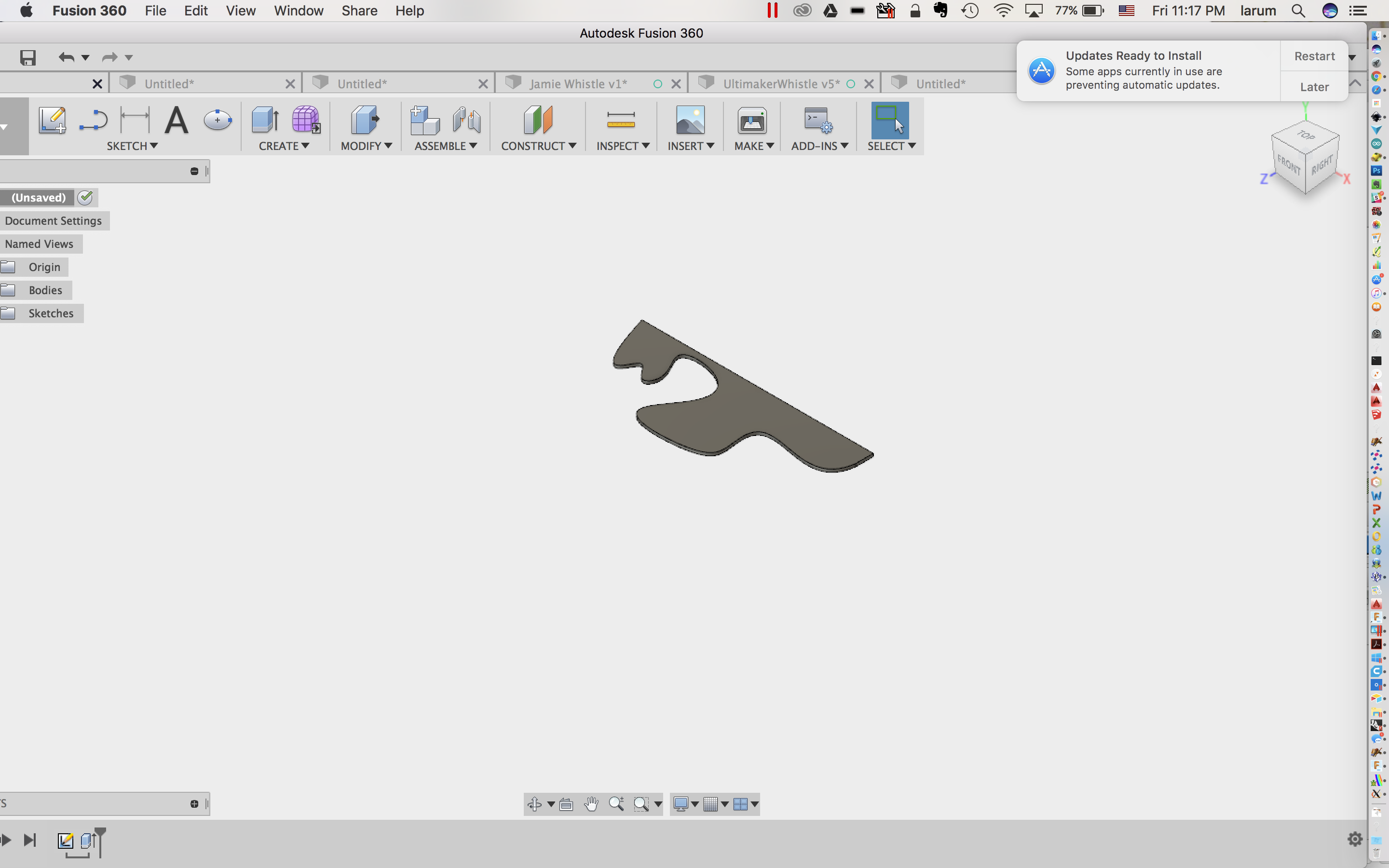
- Extrude one of the nibbles:
- Turn on Sketch 1:
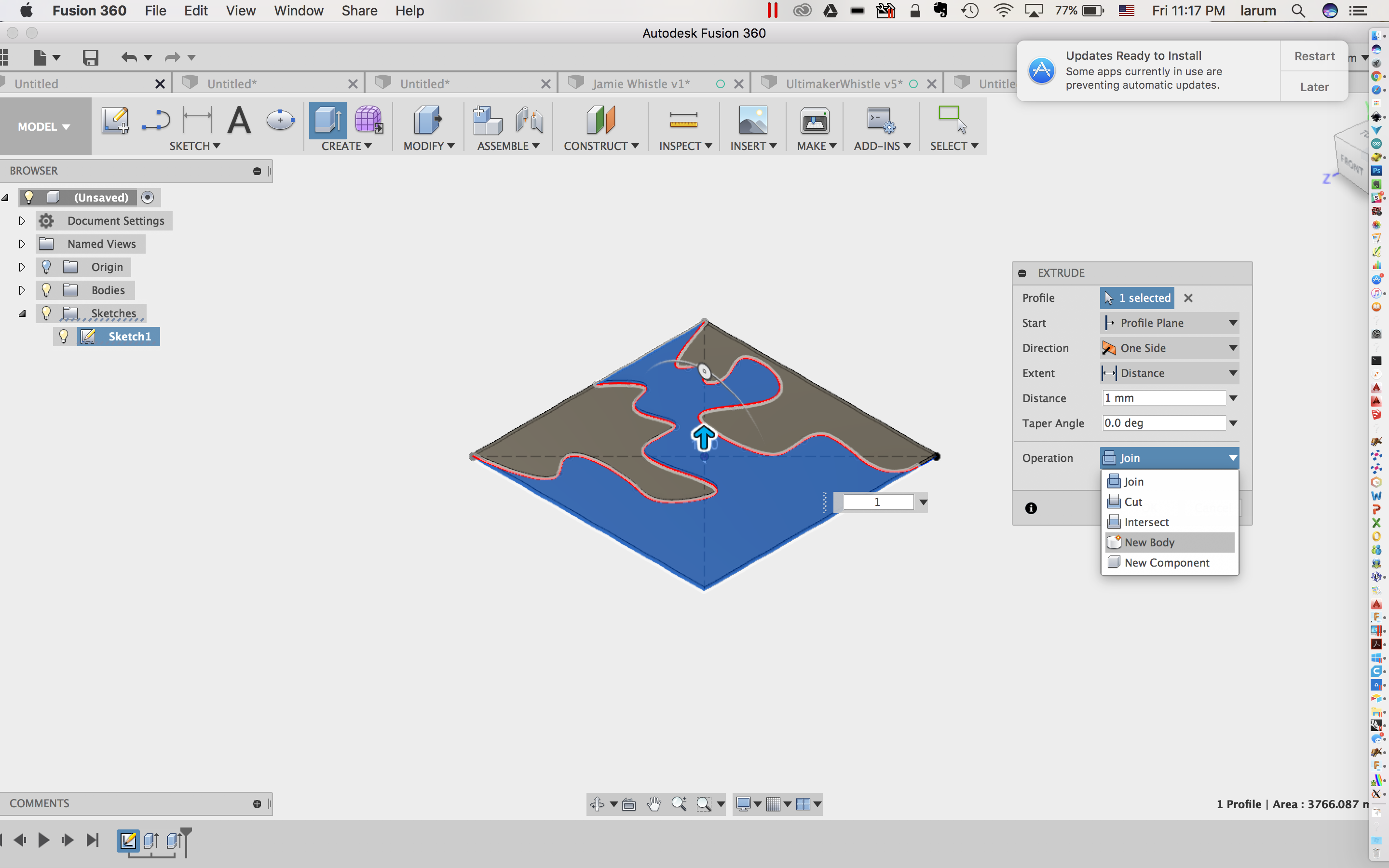
- Extrude the other two parts, making sure to create new bodies with each extrusion:
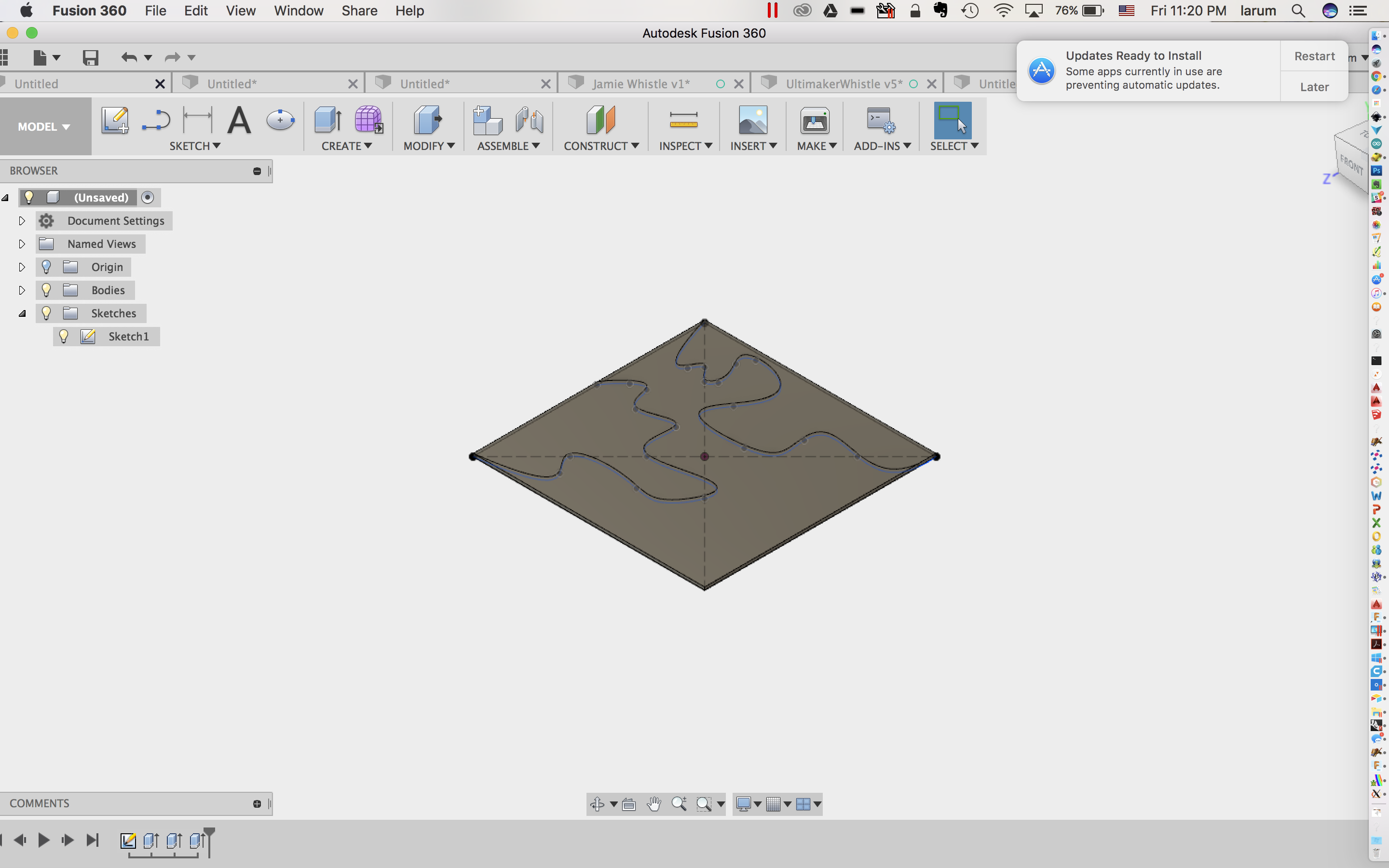
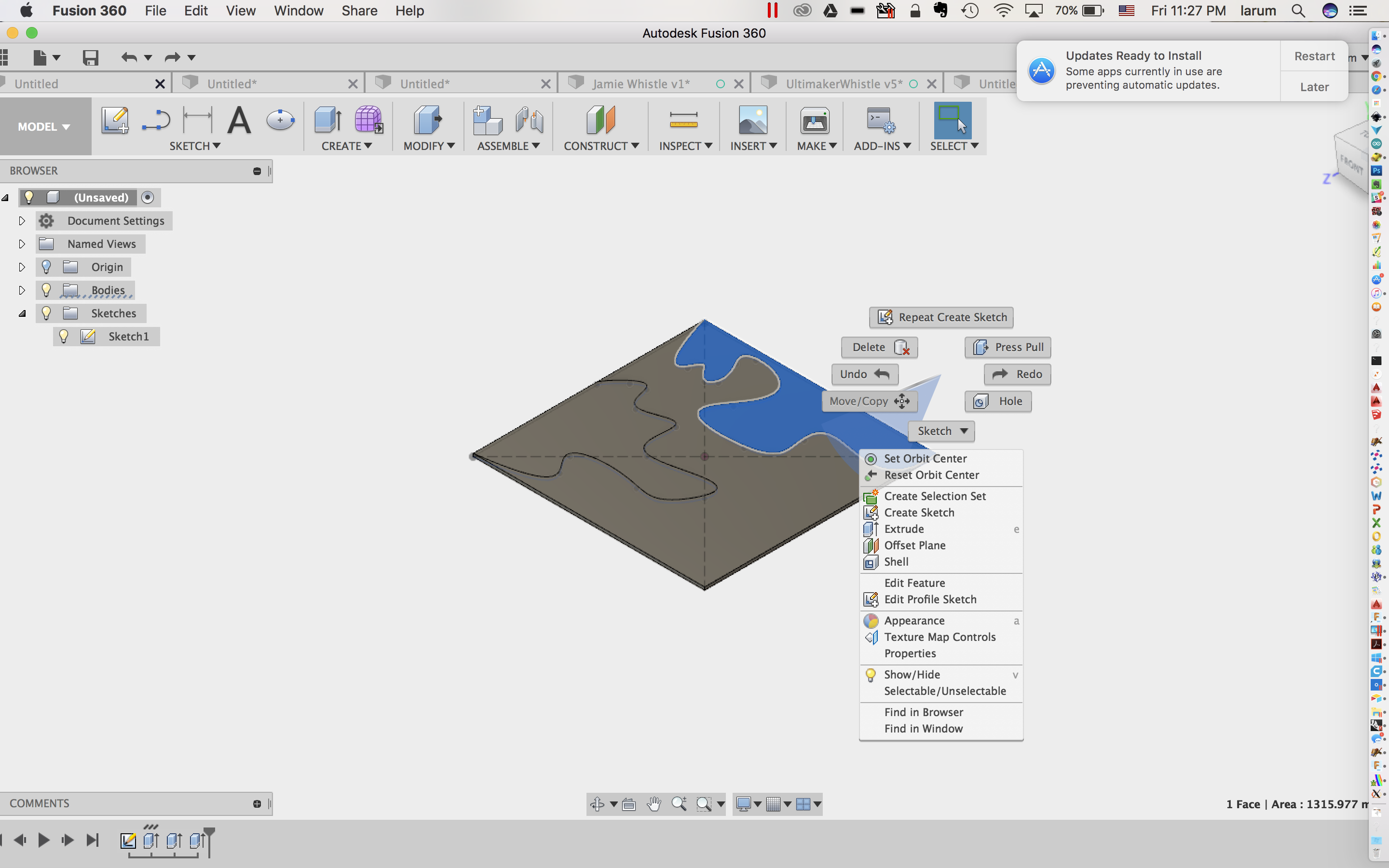
- Select the top nibble:
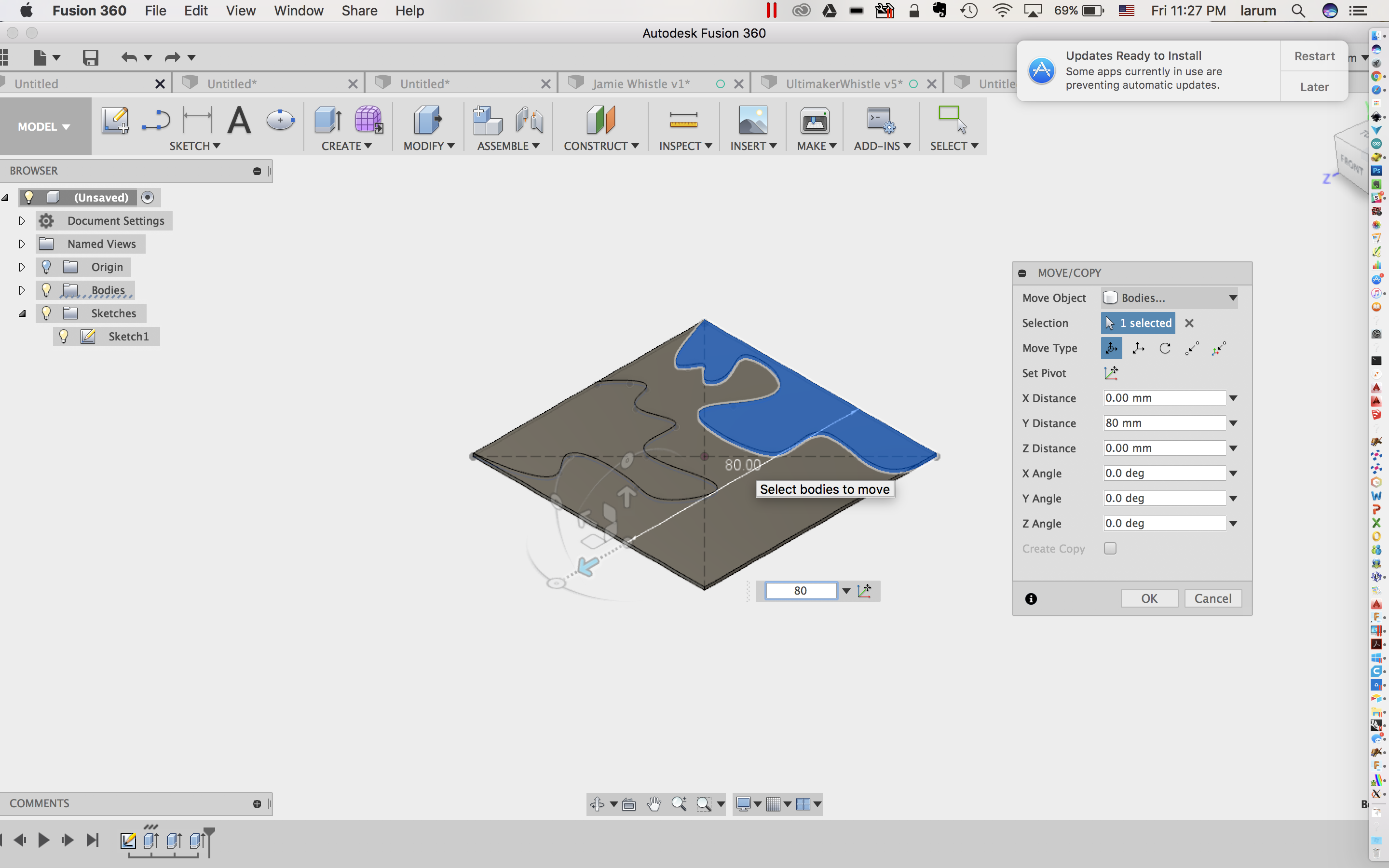
- Move it 80mm to the bottom:
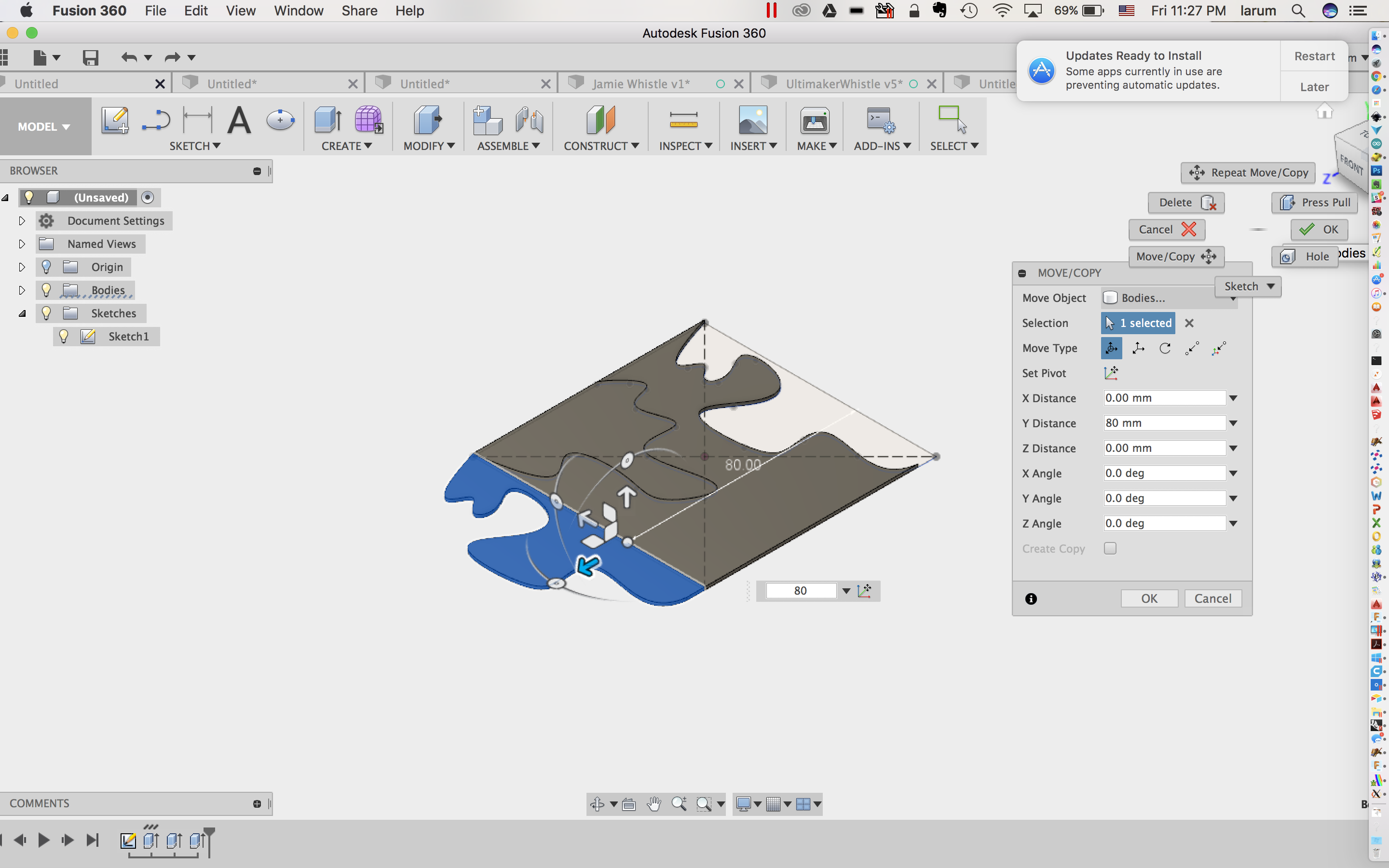
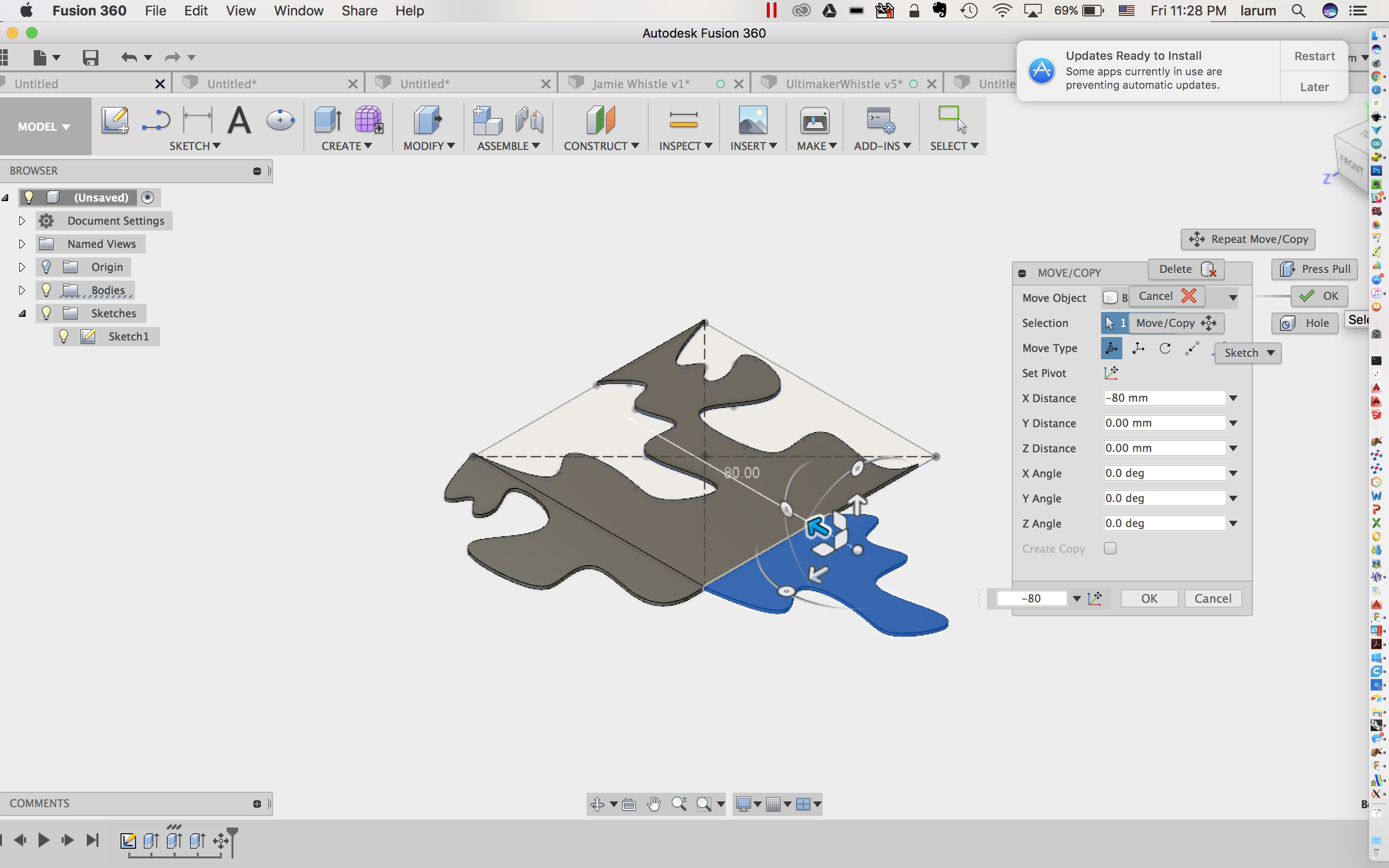
- Select the nibble on the left and move it 80mm to the right:
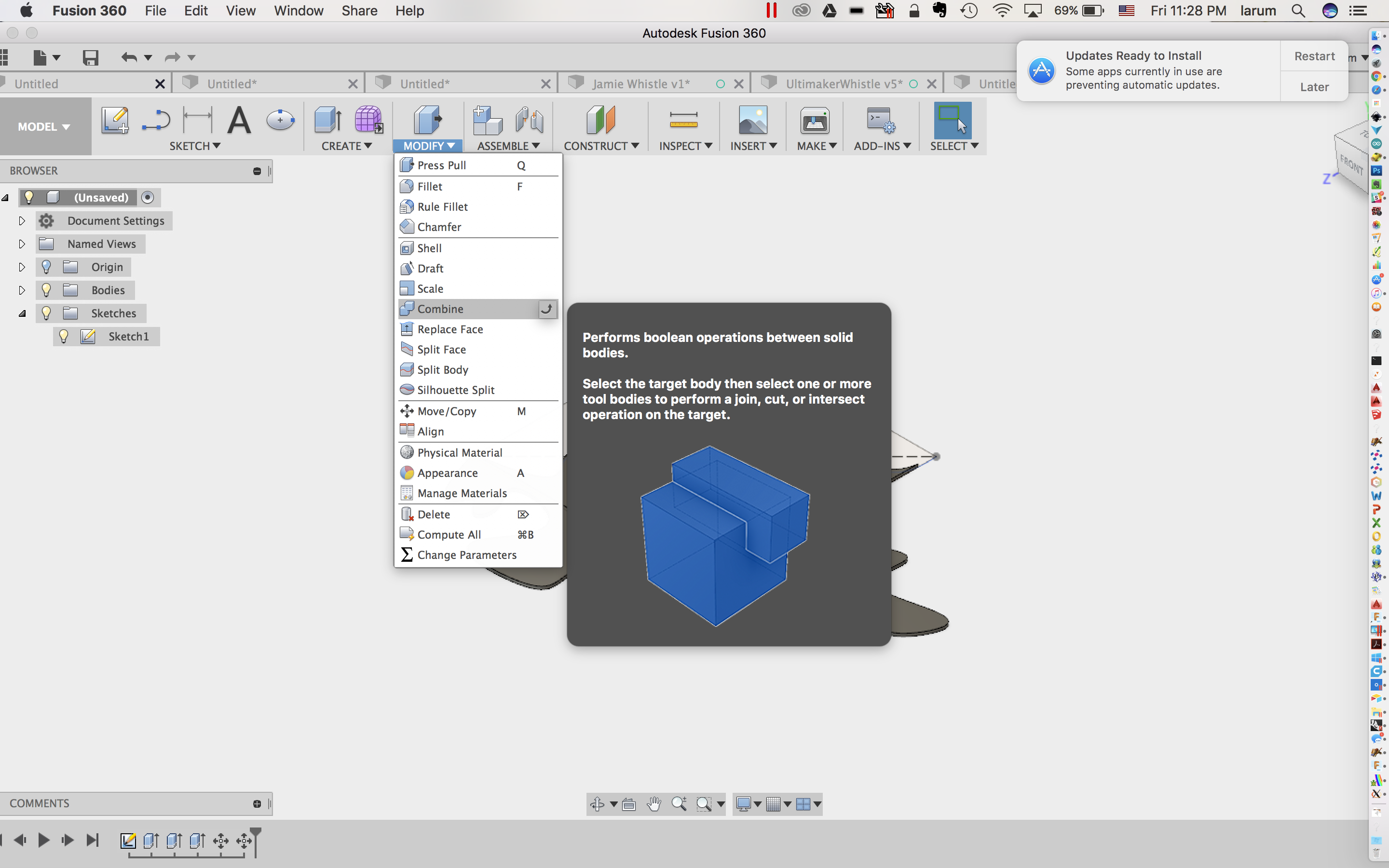
- Select Combine from the modify menu:
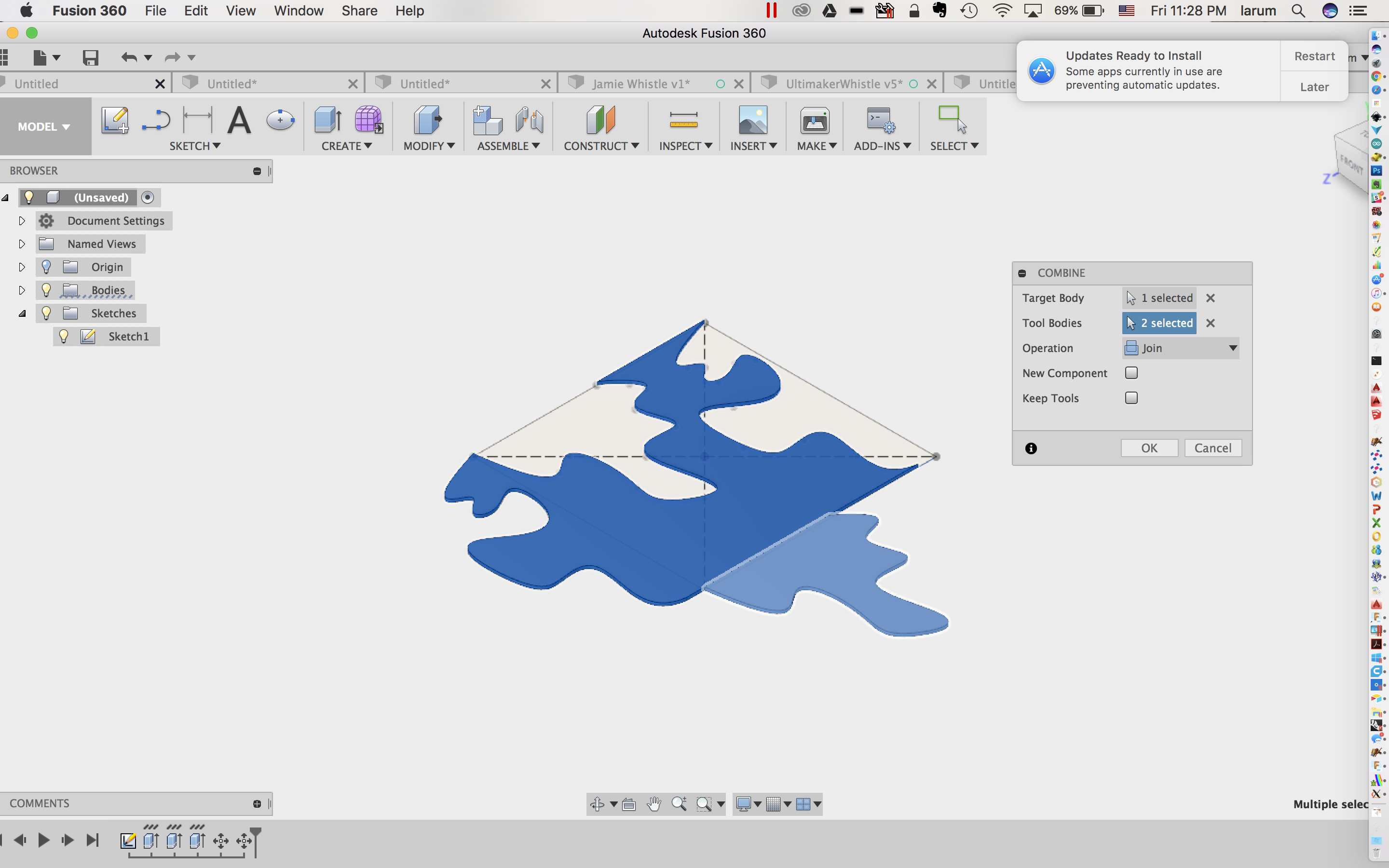
- Select all three pieces and click OK:
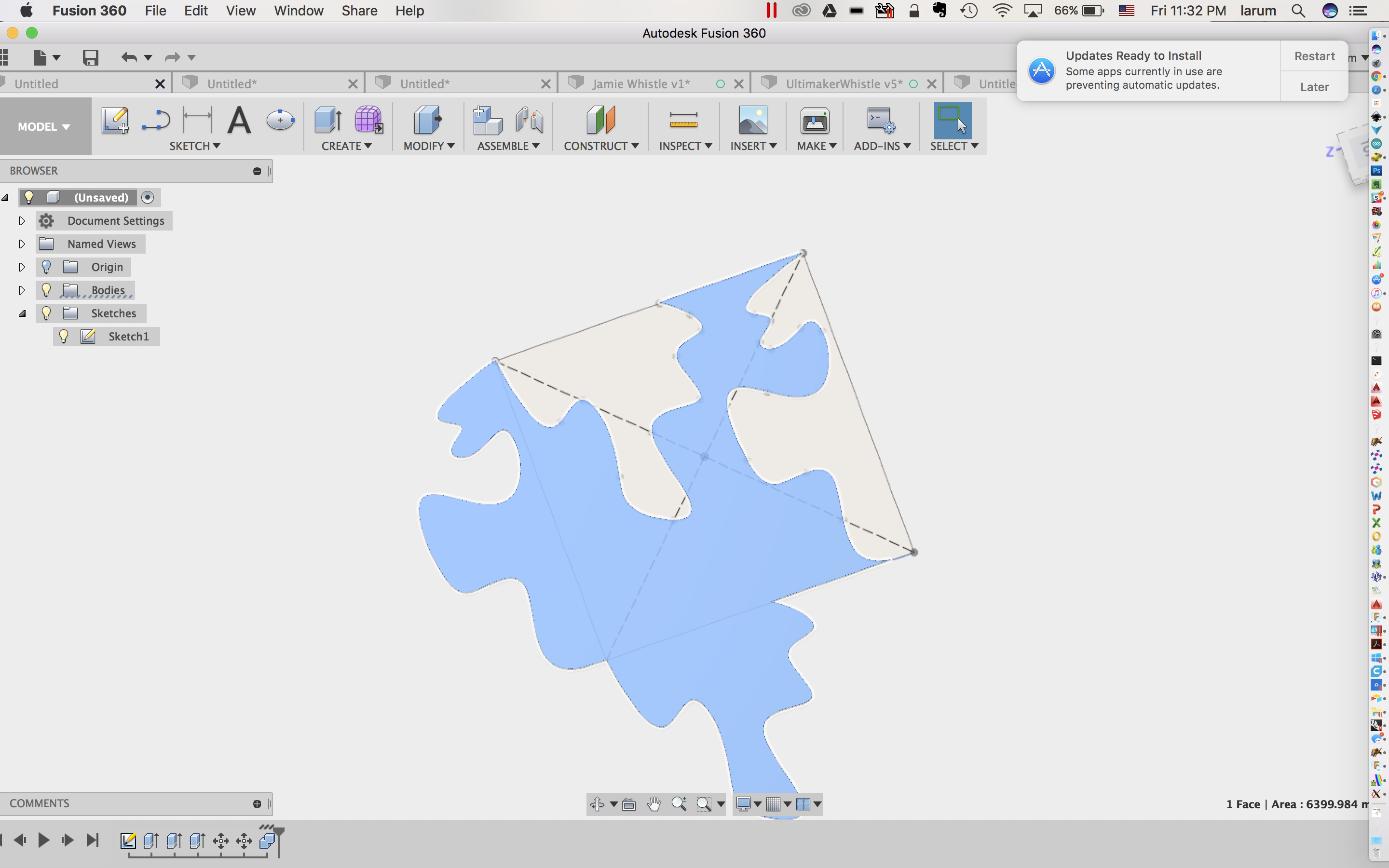
- Create a sketch on the top surface:
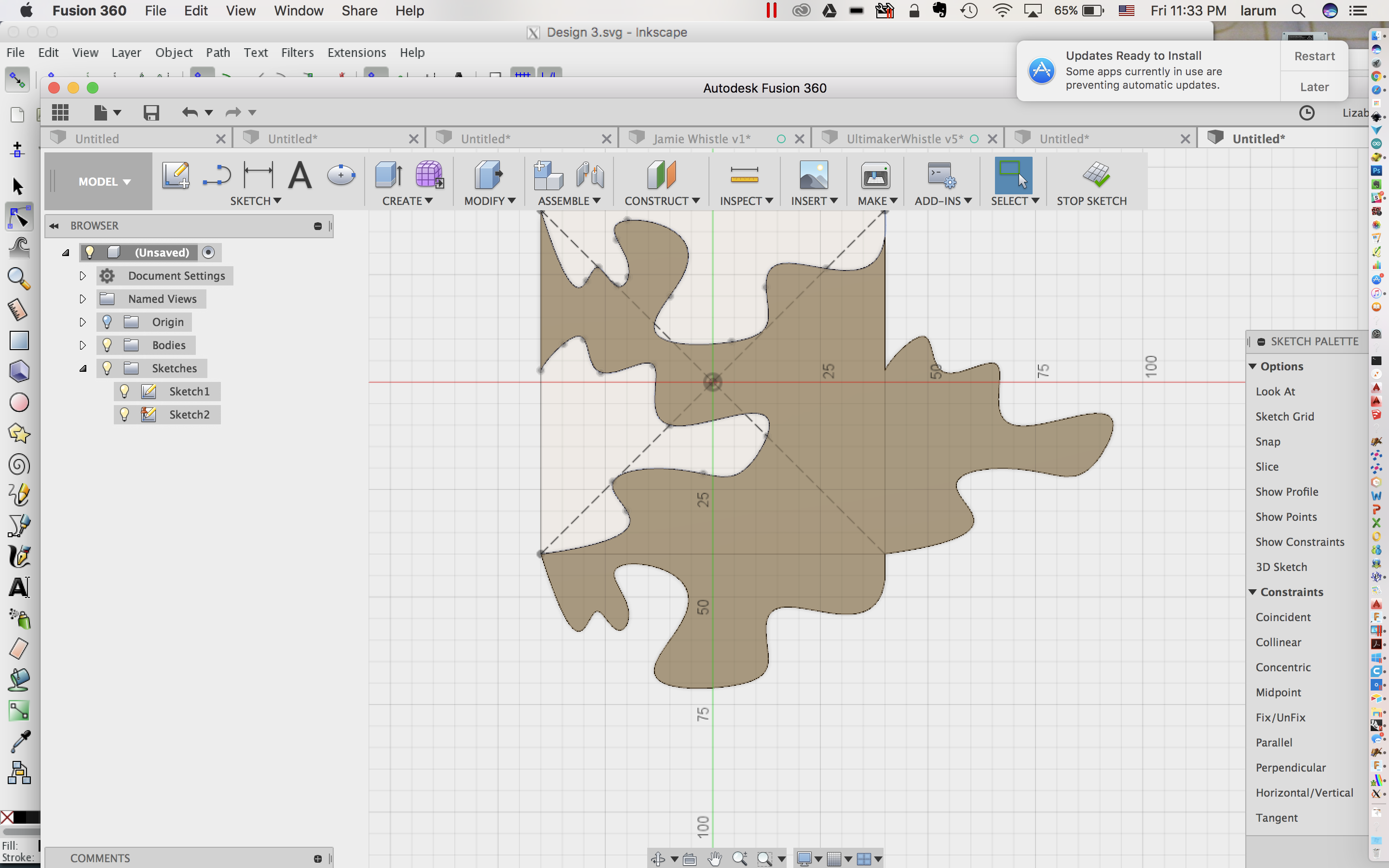
- Create an offset of -.4mm:
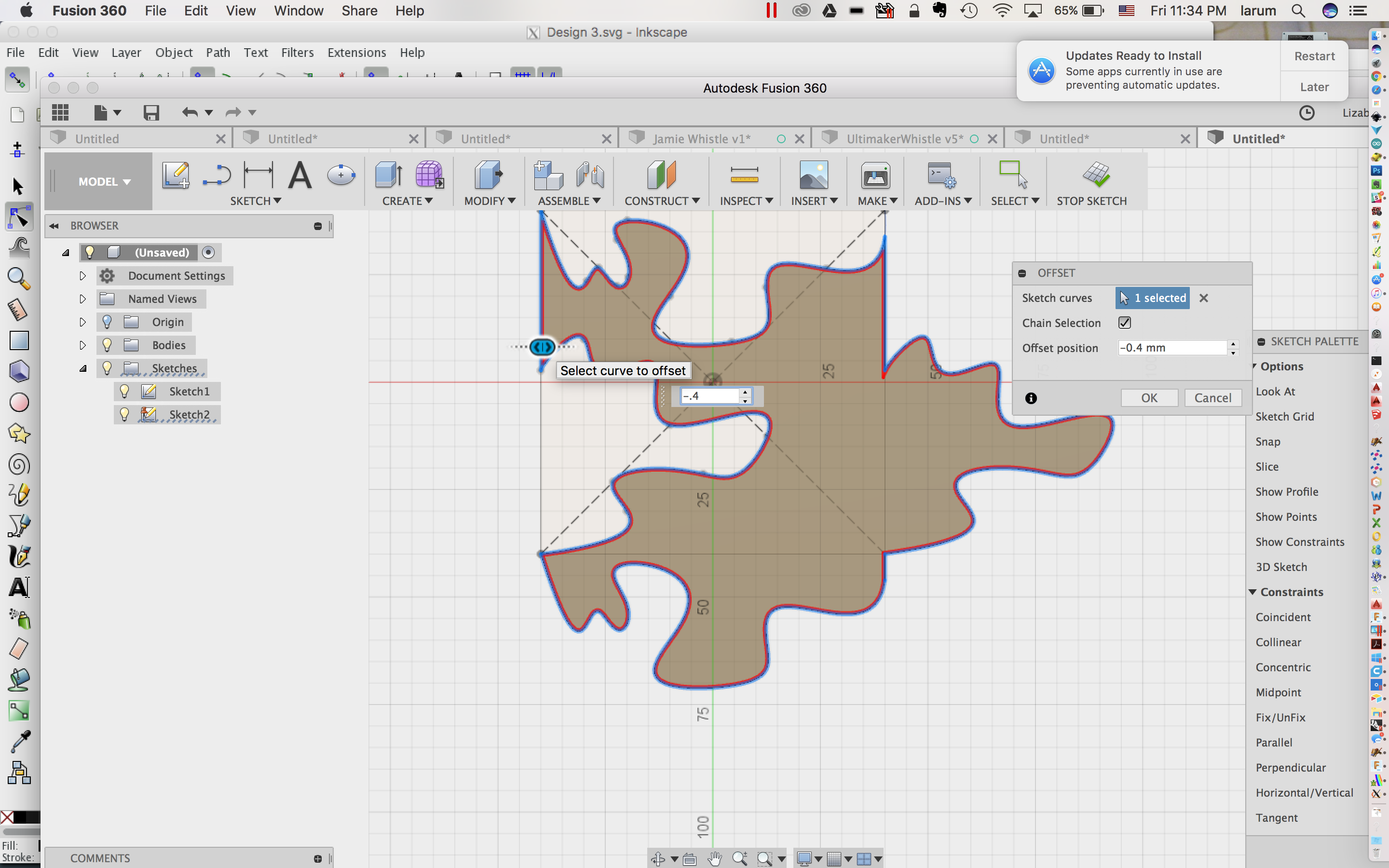
- Turn off the body and Sketch 1:
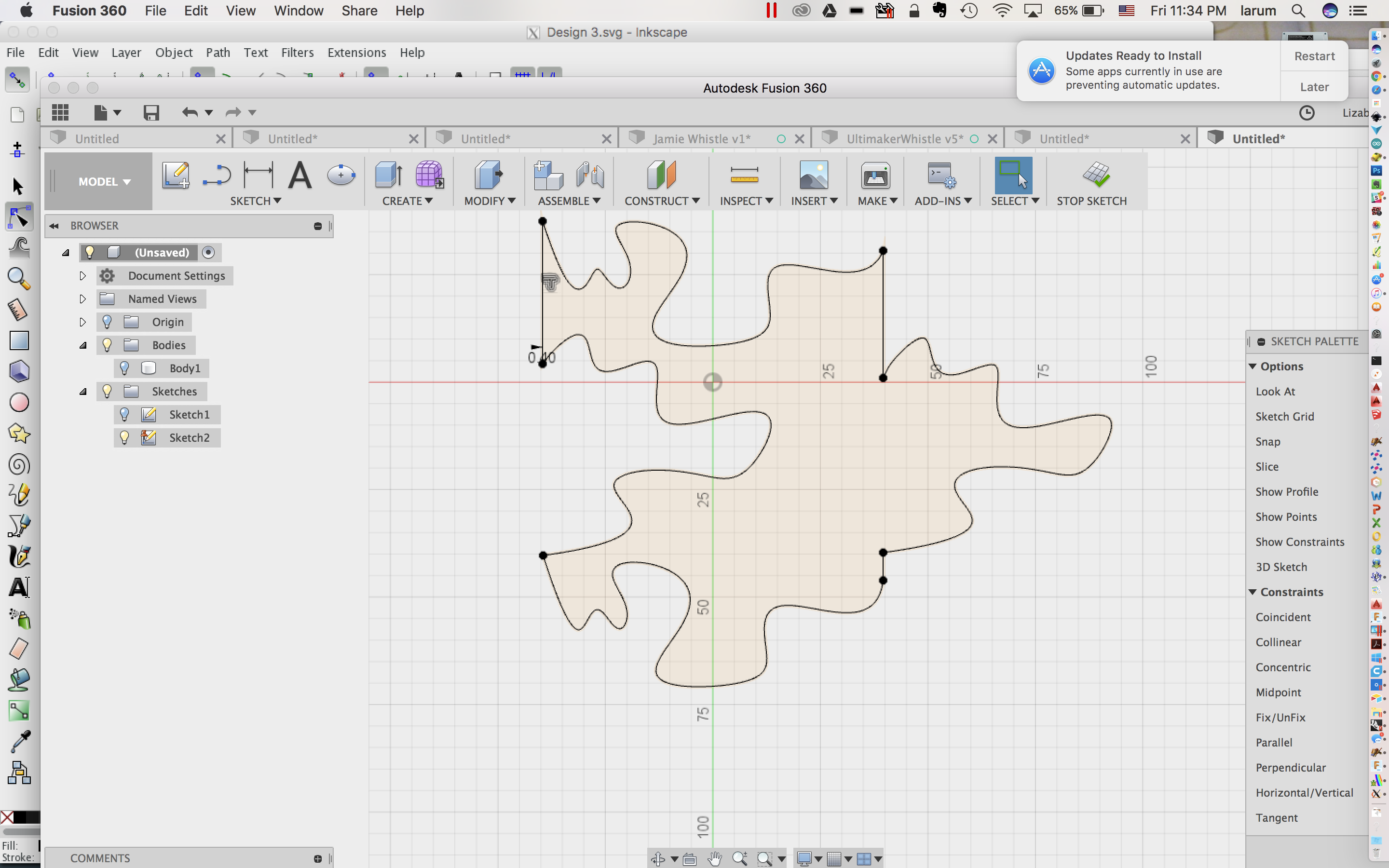
- Extrude the new profile. Make a copy to test fit: