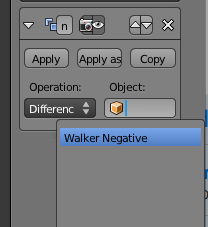
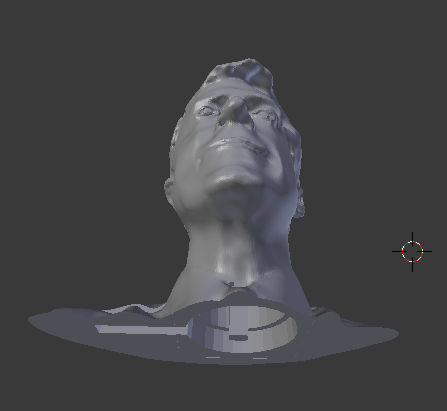
Difference
You might want to subtract one object from another. Here is how you would subtract a cylinder from a cube:
- Start with a cube
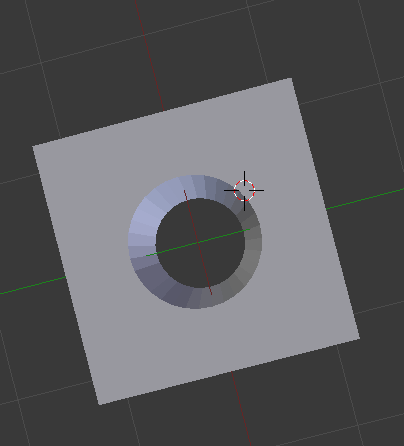
- Add a Cylinder Mesh by pressing SHIFT+A. You can adjust the size on the left side:
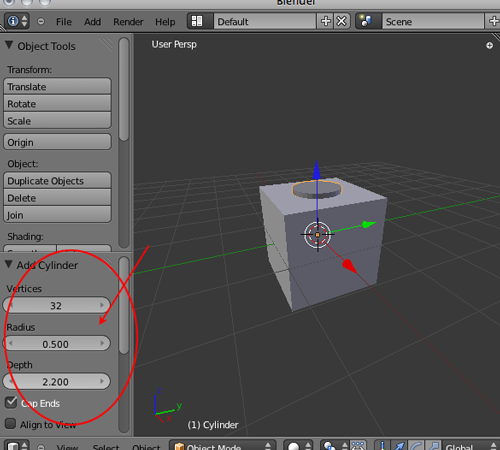
- Select the cylinder and then SHIFT+click on the cube
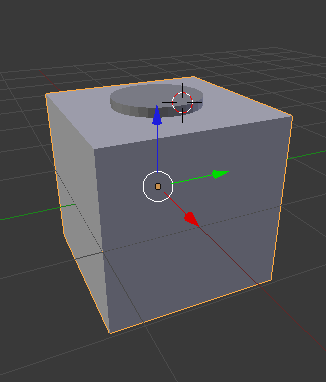
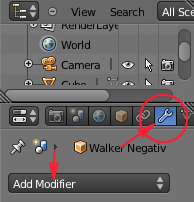
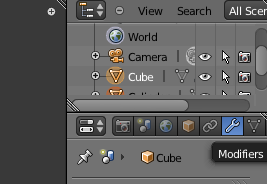
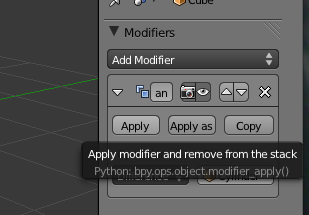
- Navigate to Modifiers (the wrench)
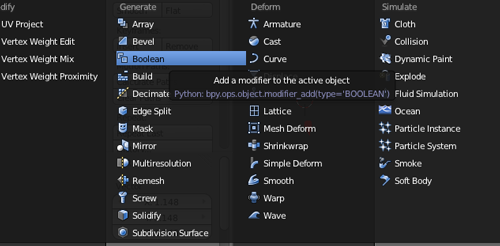
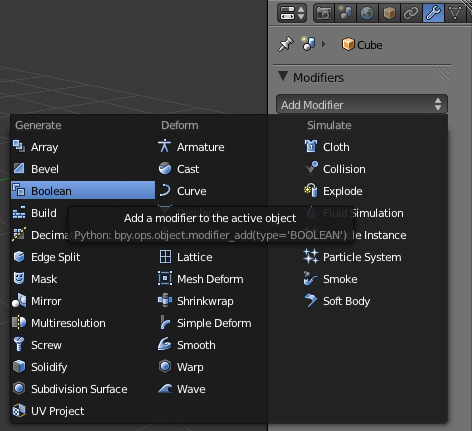
- Click on Add Modifiers and select Boolean
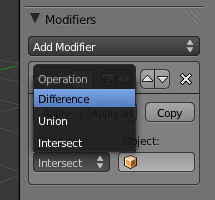
- Select Difference
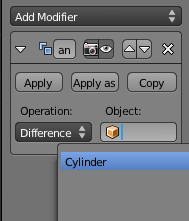
- Set the Object to Cylinder:
- Select Apply
- Select the cylinder
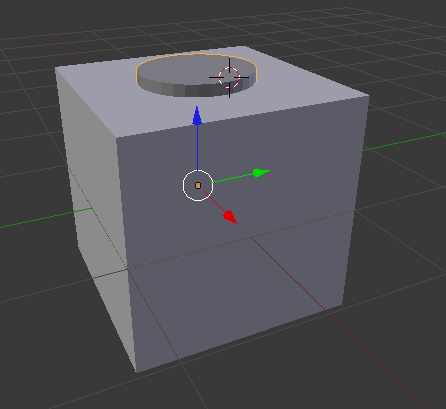
- Press X to delete
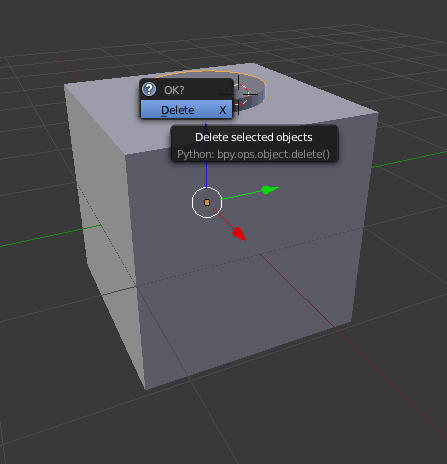
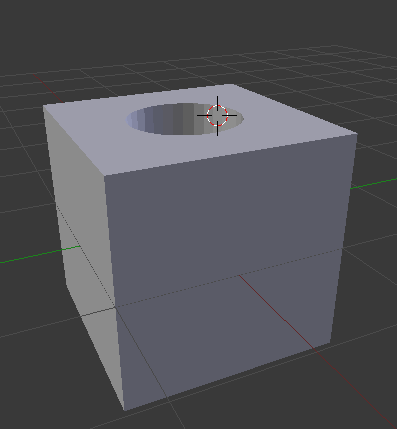
- Here is the finished cube: